

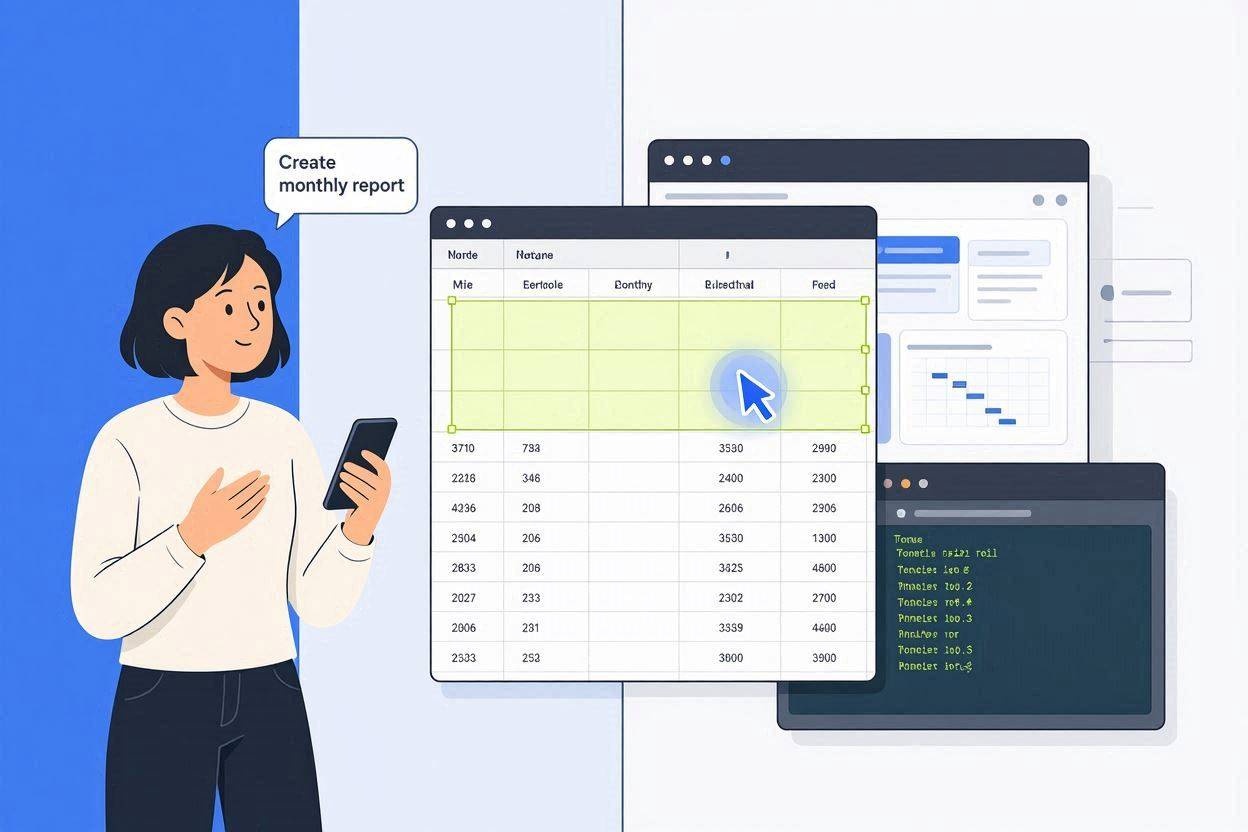
ChatGPT agent (Autonomous)was an AI agent from OpenAI that could crawl the web, fill out forms, write code, and generate files with one command. OpenAI stopped working on it at the mid-year mark of 2026. It was replaced by ChatGPT Work. It’s an agent powered by GPT-5.6 that works on longer and more complicated projects. By using multiple apps, and returns documents, spread sheets, and apps.
Why ChatGPT Agents Matter
For the majority of its life, all ChatGPT was capable of was conversation. It could tell you how to do it, but couldn’t in and of itself perform the action of opening a browser tab and purchasing the flight for you. But then in July 2025, when OpenAI rolled out “ChatGPT agents”. An enhancement which packaged and combined Operator’s existing web-browsing capability with information from Deep Research’s tool. And a code-running sandbox all into one singular product capability that could reason, click, type and complete work with minimal intervention.
Why does that update matter? It took the ChatGPT – the information service that answers the how-to questions – and brought it one step closer to the human – the “digital coworkers”. That are capable of pursuing a defined objective, breaking it down into constituent steps and performing those steps across actual websites and files All while looping you back in on their progress as need be. Now, with OpenAI folding those agent functions into a broader and more enterprise focused “ChatGPT Work” release. Grasping where that technology truly resides and how it function today is an essential exercise for business, professionals, students, etc. in deciding how much to offload onto an AI agent.
ChatGPT Agent at a Glance
| Category | Details |
| Focus | Autonomous, multi-step task execution inside ChatGPT |
| Primary Challenge | Safely browsing, clicking, and acting on a user’s behalf without human error or security risk |
| Best For | Research-heavy tasks, form filling, spreadsheet/document creation, recurring scheduled workflows |
| Reading Time | 9–11 minutes |
| Key Benefit | Turns a single written instruction into a completed, multi-step outcome — not just a text answer |

What Was ChatGPT Agent, Exactly?
The ChatGPT agent, unveiled on July 17, 2025, wasn’t actually a standalone tool. Instead, it was integrated directly into ChatGPT as a mode that functions as a “tools menu” (also available as /agent). ChatGPT had, at that point, acquired its own sandboxed, virtual computer, a secure space where it could do four things:
- Browse websites in a graphical browser with interactive capabilities.
- Browser the text on a web page at higher speed using a command-line-style browser.
- Run the code interpreter for file generation or analysis.
- Interact with tools such as apps (Gmail, Google Calendar, Box).
- Access information on supported terminal-based functions.
The agents wouldn’t just tell us what to do, though – they’d do it. They could, say, shop our favorite online retailers to comparison-price a new television, grab numbers from a spreadsheet, and log into our digital calendars. Stopping “whenever they bump up against anything that requires a login, payment or that requires judgment on the part of a human,” according to the company release.
How It Worked, Step by Step
- You describe the desired result, not the process. It worked just as described with my sample prompt: “compare pricing pages for these five SaaS tools and put it in a spreadsheet.” The agent made up all the individual steps needed for that.
- The agent works in a loop of reasoning, action and iteration. It captures a screenshot of the virtual browser it’s currently controlling, predicts the next keystroke or click, then performs it. Repeating the entire sequence over again as needed to continue navigating and interacting online. Including switching gears if a web page doesn’t render as desired.
- On risky maneuvers it requested confirmation. Login, form submission, or payment caused the display of a “takeover” which indicated that a human still retained control of things.
- The output was complete: an end product, rather than dense text. Normally this meant it produce a word document or excel spreadsheet, a series of slides you can easily play through.
Majority of the tasks were done approximately in 5 – 30 minutes based on the difficulty of each task. And the reports could be set up to repeat from daily to monthly to weekly.
Important 2026 Update: ChatGPT Agent Has Been Retired
Searching for a “ChatGPT agent”? Then here is a crucial point before you proceed further – a standalone agent feature is completely removed in 2026. As OpenAI has incorporated its functionality into a more advanced ChatGPT agent named ChatGPT Work released on 9th July 2026 with its novel GPT-5.6 series of models.
So this is not a rebrand, it’s an actual extension:
- Longer stamina. Instead of going for 5 to 30 min, CHatGPT Work could stay a huge amount of time for more than an hour in a huge project, by breaking them into smaller subtasks.
- Better app knowledge. It uses your team’s linked app and data from within all the space instead of limited connector usage for some apps only.
- Completed deliverables by default. Outputs are specified as “sheets,” “slides,” “docs,” and even “Sites (shareable web apps)” rather than just a spreadsheet or summary.
- Desktop consolidation. OpenAI is tucking its Codex programming application into a similar Desktop version of ChatGPT, bringing chats, ongoing “Work” missions, and programming experts in one spot.
- The Atlas browser has quit. Atlas, an autonomous agential web browser from OpenAI, will quit after browser-type agential internet browsing will naturally be included in ChatGPT and Codex.
Long story short, what a ChatGPT agent could do (browsing, form filling, file creation, recurring task scheduling), can still be done through ChatGPT today. It now simply lives under the new ChatGPT Work name (and powered by a better engine).
Why This Matters for Anyone Searching “ChatGPT Agent”
- If something tells you to go through Tools>Agent or type /agent, that does not exist on your platform. Search for “Work” instead in your Composer tab.
- Previous video and posts referencing July of 2025’s version could serve as educational to explain the general idea. However the user interface is what varies from version to version.
- Plan types may have changed in price. Make sure to visit the open Ai help page to understand what limitations apply to certain plans.
Core Capabilities That Carried Over
When you’re reading a paper about ChatGPT – even a very early, original agent – versus its newer relatives. What is always the same underlying family of talents:
Web Browsing and Research
The agent has the ability to open actual webpages, understand the content within. And then pull the needed information, be it comparing prices, looking for specific statistics, or determining the status of a specific stock, all while much faster than manual browsing.
Form Filling and Data Entry
It can also manage simple, repetitive administrative processes, such as typing details into a few of a single service’s numerous platforms instead of performing the painful copy-paste action.
Generate File and document
Any version of a file can be a spreadsheet, slideshow or document, it outputs the completed file and not just “a file containing…”.
Connections to other app’s and data sources
Connect your Google, Outlook accounts and more. The agent may now access real context; your inbox, your calendar etc., and use that information for research and actions.
Scheduled & recurring task
Tasks can be configured to automate at a specified time in this form your assistant becomes an extremely light-weighted automation service. When used in relation to reports or check-ins that occur frequently.

How to Use an Agent in ChatGPT Today
- In ChatGPT, find the Work section of the composer or tool bar-it will appear where the previous “Agent mode” toggle used to live.
- Be clear about what you need help with. “Research competitor pricing for a laptop and generate a comparative spreadsheet” is more useful than a prompt like “help me compare laptop costs.”
- Link only to tools and services for a given workflow to use. All open connections add a degree of security vulnerability -so unnecessary open services are just an unnecessary problem.
- Pay close attention to any popups or confirmation messages before any login, purchase, or other consequential steps.
- Use takeover mode for sensitive logins. Typing this by yourself rather than having the agent type it helps ensure that passwords are not captured in their screenshots.
- Take a moment to look at what is sent on the product before acting upon it. Use your agent in the process, for instance, but trust in the final draft over your own when dealing with number, law or outward going communication
Common Mistakes to Avoid
- Using unclear, broad, goal-less instructions such as “check my email and do what’s necessary.” Instead, narrow goals result in less room for error.
- Connecting many applications the agent doesn’t need to use, thereby increasing the attack surface of a prompt-injection or mistake.
- Not verifying the content of an agent’s generated spread sheet, contract or client-facing materials before sending them on.
- Not checking if an old tutorial still applies to the current interface-the July 2025 “agent mode” route has been changed.
- Typing passwords directly into the chat interface and exposing them to screen-capture rather than switching on takeover mode.
- Skipping prompts confirming important actions and just approving them to get a task completed quickly.
Key Takeaways
- July 2025: Standalone ChatGPT agent is launched – an automated mode unifying web browsing, code execution and app access into a single ability to act on your behalf.
- Working by: Reasoning/acting loop that involved taking screenshots of its internal web browser, choosing a next step, and requesting human approval for risky actions.
- As of July 2026: Standalone ChatGPT agent was retired. Features are being transferred to ChatGPT Work, powered by models from the GPT-5.6 model family.
- ChatGPT Work is now capable of running continuously on a single project to generate completed documents, spreadsheets, presentations and sharable web apps.
- As of August 2026: OpenAI is retiring the Atlas agentic browser, moving agentic web browsing functionality into ChatGPT and Codex.
- Safety guidelines remain of critical importance for the newer agent-only connect selected apps. Use Takeover Mode for sensitive logins and review and edit the results before they’re used or published-as much as they were for the standalone one.
- Verify current plan features and usage caps with OpenAI’s official help docs, as these can change.
Conclusion
The concept of a “ChatGPT agent – a piece of AI that doesn’t just respond to you. But actually gets work done – has only become more fundamental to how OpenAI presents and shapes its ChatGPT offering. Even though the specific feature title may have shifted.
What was first unveiled in mid-2025 as an experimental ‘agent mode’ has, by 2026, become ChatGPT Work, a more stable and integrated offering, more capable and robust for the longer-duration assignments, for real end-result outcomes.
If you currently rely on ChatGPT for research, administrative tasks or generating content, comprehending this transition enables you to move away from looking in the software’s settings for a functionality that is no longer available. And instead start utilizing the functionality that superseded it – with the necessary safety precautions.
FAQs
Will ChatGPT agent be available in 2026?
No. The standalone ChatGPT agent mode has been removed. These functions are now located in ChatGPT Work, released on July 2026.
What’s the difference between ChatGPT agent and ChatGPT Work?
ChatGPT agent’s focus was on completing 5-30 minute tasks in the context of a dedicated agent mode. Work can execute for many hours on multipart assignments spanning multiple apps, and produces end products like documents, tables, and websites.
Does it work the same when searching the internet and filling forms in for me as old agents did?
Yes – you’ll notice that when it looks for information on the web or fills in forms for you. That functionality hasn’t been removed from the model. You just need to find it under “ChatGPT Work” instead of in agents mode.
Can my email or calendar be secured when added to “ChatGPT Work?”
Although there are protections in place (such as confirmation pop-ups for “high risk” tasks and “overtake mode” for sensitive log-ins). All such integrations have inherent risks, so only integrate with particular tasks required for. For example: only add your accounts for that specific task and be careful reviewing and approving the commands.
What happened with the OpenAI Atlas browser?
OpenAI is discontinuing Atlas, its standalone agentic browser, as browser based agentic abilities are being incorporated into ChatGPT and Codex.
Do I need a paid ChatGPT plan to use agents?
Historically, agent features were tied to paid plans like Plus, Pro, Business, Enterprise and Edu. The exact availability and limits fluctuate so confirm the current details using OpenAI’s help docs.
Will old tutorials about “ChatGPT agent mode” still work?
The underlying features (browsing, connectors, scheduling tasks and takeover mode) still work. But the exact menu path and interface discussed in guides published before 2026 may differ because agents are moving to ChatGPT Work.