

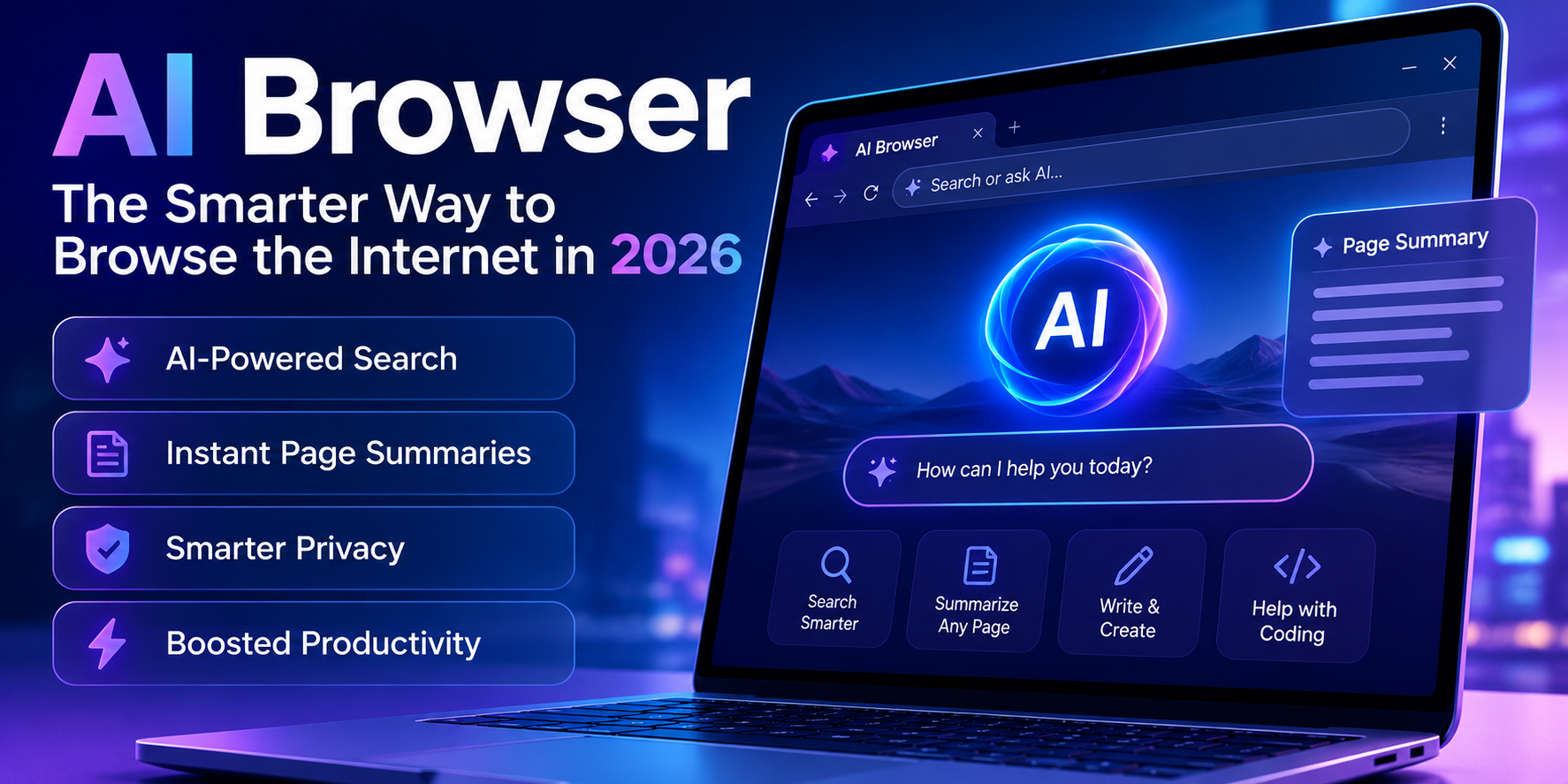
AI browser: Built-in helper assistant. The AI browser simply puts a helper directly in your browser to read a webpage, scan information from different tabs to compile an answer, shop, book. Or handle multiple steps at once without changing browser windows, or answer questions with plain English. We can see a variety of options emerge in 2026 – such as Google’s Chrome Gemini panel, Comet, Atlas, or Microsoft’s Edge Copilot Mode. All transforming the browsing experience from a passive activity into one where your browser can actively do work.
Why AI Browser Matters?
Web browsing was about keeping a dozen tabs open, copying things into a notes app and weaving everything together yourself. An AI browser fundamentally reframes this with an intelligent reasoning engine living right within the window you’re already in. An engine that can understand what’s on the screen, recall what you were looking at three tabs ago and carry out your instructions on your behalf. This is significant today because the browser itself is stealthily emerging as the primary interface people use to engage with AI. Not just some isolated chat window on the side.
Over the past year, Chrome, Edge, Perplexity’s Comet and OpenAI’s Atlas all deployed agent-like features. Each one a desperate effort to ensure that completing a range of common digital tasks – form filling, research, comparison shopping. Happen faster when assisted by an AI than by humans doing it manually.
What it looks like to average users is saving hours on menial digital tasks every week. For marketers and businesses, this is an urgent signal. AI browsing means reevaluating how content is consumed and how it can be identified, as a browser doesn’t just render a page, it reads and acts upon it.
AI Browser at a Glance
| Category | Details |
| Focus | How AI-powered browser features work and why they matter in 2026 |
| Primary Challenge / Purpose | Reducing manual, repetitive browsing tasks through built-in AI reasoning and automation |
| Best For | Everyday users, researchers, online shoppers, and professionals who spend heavy time in a browser |
| Estimated Reading Time | 9–11 minutes |
| Key Benefit | Faster research, fewer app switches, and browsing that can act, not just display |
What Exactly Is an AI Browser?
An AI browser is a web browser, most commonly based on the Chromium engine. That integrates an AI language model into its browser experience directly, rather than bolting it on as a third-party extension. It allows you to query the AI about a given page without having to open a new tab to address your question to a chatbot. Helps you receive responses using the context already available in that page. Both integrated products, like Chrome with Gemini or Microsoft Edge with Copilot Mode, and products built from scratch like OpenAI Atlas or Perplexity’s Comet, share the same purpose. That is to reduce the time spent researching and speed up the process of acting upon your findings.
How This Differs From a Simple Browser Extension
As a rule, an extension lives on one page and doesn’t have the “memory” of what just happened. An AI browser, on the other hand, will keep track of things across your different tabs. It will remember past actions taken while trying to complete something, and even, at the higher end of this technology, click a button or fill a form without your help.
1. Agentic Task Automation
The killer app that is fueling most of the AI browser battle for 2026. These browser can execute a sequence of steps to get stuff done for you on a variety of sites-research a subject from a handful of pages, complete a form, book something. Instead of just answering your questions while you keep tabs and approval of the more significant actions.
Comet’s expertise here has come from having a real-world focus on enabling this hands-on automation. Which has allowed them to do all of that (visiting several sites, compare, transact basic purchases).
With the new Auto Browse feature in Chrome for their Premium subscribers you have the same multi-step execution through a dedicated Gemini side panel. Bottom line, a task that would previously require fifteen open browser windows and take twenty minutes of fiddling could now be handled with a single type-out instruction.
Where to Use This Feature Carefully
- If you use payment info or any sensitive data in a process with agentic automation enabled, turn agentic automation OFF by default until you are confident in the tool’s performance for low stakes tasks.
- Always review any pre-filled form or comparison, since the AI agent may misinterpret content on the page.
- Begin with research related actions (price comparison, review aggregation) rather than those where the browser makes automated purchase transactions.
2. Page Summarization and Cross-Tab Context
Instead of browsing a long blog post or a dense PDF, AI-driven browsers can summarize it for you in a matter of seconds. And what’s most helpful, they can do it on multiple open tabs simultaneously. You can ask the AI to, say, compare two product reviews or two research studies, all without you needing to copy text between different browser windows. It has easily become the most reliably helpful feature because it doesn’t need to usurp your click and form interactions. It just reads faster than you can and aggregates information for you. Edge’s Copilot Mode also leans into this by providing a sidebar you can ask to compare between tabs or to write summaries.
3. Built-In Conversational Sidebar Assistant
The top AI browsers also include a persistent chat sidebar on each page, where you can request it to clarify a technical term, rewrite a draft of an email or to find some key information from a dense report-all without moving away from your screen or having to switch applications. The main advantage over an independent chatbot is the level of awareness. The fact that the sidebar already has insight into the webpage means you hardly need to copy paste anything. For example, Brave’s Leo AI has worked great at both summarizing pages and evaluating complex articles through its sidebar alone.
Why This Beats Switching Between Apps
- You can’t simply copy-paste text from a chat app to a tab in your browser.
- The context of the current page is available to the assistant, so you can type shorter, more specific questions.
- Follow-up questions are confined to the current page, so you don’t have to explain things all over again.
4. Autonomous Shopping and Price Comparison
Multiple AI browsers now offer the ability to compare prices, review product specs and, with varying degrees of success, check out without requiring too much manual clicking on the part of the user. Of all of the feature-comparisons in the category, this one is the most fiercely debated. Its implications for data reliability, unplanned purchases and how online retailers will (or won’t) cope with bots trawling their stores need sorting.
We even saw Amazon file an early lawsuit in Jan. 2026 against automatic shopping abilities baked into Perplexity’s Comet, which is likely to become a key early case about the legality and viability of agent-based browsing. It’s still working its way through the appellate process, which gives you a sense of just how fraught this space is.
5. Natural Language Search That Replaces Keyword Guessing
The way AI browser is going to be impacting how users conduct a search it is going to be how the system interprets user search as AI search is designed to understand. What it is asking so users will shift to ask conversational questions rather than keyword search which use to help users build a keyword and will lead search for a blue-link search results.
A search for which one of these 3 laptops will perform best with traveling time can be now answered by providing direct comparisons. Instead of giving to the user for finding and comparing each blue-link separately.
6. Memory and Personalization Across Sessions
Some AI browsers do attempt to hold context from your earlier browsing session-say. You were looking up something last week for a side project you like to tinker with-and leverage that history to inform future chat. This moves it more towards an active working assistant that’s becoming more proficient with you, rather than having you always restart. That’s also the area that touches privacy expectations most closely; by design, to “remember” what you browse. A browser needs to keep more of your data somewhere. The main browsers in this group are all building controls for managing exactly what gets kept and discarded, with memory being treated more as an active option rather than an implied background function.
7. Privacy Controls and Local-First Processing
Because these are more potentially intrusive, privacy actually matters-it’s no longer an asterisk. Brave has always marketed itself as a browser that blocked trackers and ads out of the gate, and it’s also separated Leo, its AI assistant, processing entirely from third-party servers. Other browsers are incorporating clearer memory limits,incognito-style modes specifically forAI, and toggle switches rather than automated use. More broadly, 2026 is likely the year the industry converges more around local-first, device-side, and on-premises AI – along with more understandable controls for what your browser can know and do.
Common Mistakes to Avoid
- Don’t just switch to the full automation mode out of the blue.
Test the browsing and summarization features first and make sure you can fully trust your AI browser before going through with transactions.
- Thinking all AI browsers are created equal.
Most of them save some portion of your browsing activity to cloud servers while only a few process all the information locally.
- Ignoring the possibility of extension impersonation.
Back in the middle of 2026 a cyberattack through an impersonated AI browser extension targeted its users. The fake browser extension used to sniff search terms and typed inputs, so, use extensions from trusted sources.
- Banking on perfect agent-driven browsing.
Auto purchasing features are still in their developmental stage. Legal actions against some companies providing auto-purchasing bots clearly highlight that point.
- Not researching their subscription plans.
Usually, only the simplest summarization and chat features are free while all other AI browser functions cost money.
Key Takeaways
- A language-model assistant is embedded into the browsing experience so you do not have to context switch from a chatbot app to a website and vice versa.
- The most talked about feature in 2026 is agentic task automation and allows for the browser to conduct research, compare, and sometimes execute tasks on your behalf.
- The safest and lowest risk features to explore are page summarization and cross-tab context.
- The use of autonomous shopping is still a powerful feature, but has significant unresolved legal and practical issues and should be explored cautiously.
- Privacy approaches differ widely between different AI browsers-some utilize a local processing solution, others do not clearly define their process.
- The vast majority of mainstream browsers have agentic features toggled off and requires users to actively enable them.
- It seems to be more important that the AI browser complements your existing ecosystem (i.e. A Google product, Microsoft product, or individual tool) as there isn’t one clear “winning” feature at this time.
Conclusion
Your browser is morphing from just a simple window into the web to something more. Now your browser is becoming an accomplice in your journey to uncover new information, assess different choices and get tasks accomplished in your online existence. These seven features highlight how the AI browser has developed beyond simply another tab into something that feels far more like a real partner. And as new AI browser experiences roll out, consider the approach that will work for you. Test drive low risk features such as summarizing and natural language search, and carefully evaluate how autonomous features work.
Frequently Asked Questions
Are AI browsers safe for shopping?
Yes, although these auto-shopping features are very new, and the technology is under legal scrutiny in at least one well-publicized case. Always review the proposed order before clicking confirm.
As a precaution, do not save your payment information until you are fully comfortable with a browser.
Do I need to pay for AI browser features?
Free tier, basic page summarize, chatbot on the sidebar. Expensive, advanced AI automation such as fully autonomous, multi-step processes.
Which AI browser is best for privacy?
Browse primarily on the browser that’s based locally, with good defaults for blockers and ads.
One notable example is Brave. This will all depend on what each browsing company claims regarding their policy on data usage.
Can I use AI features on a browser without swapping browsers?
Many, including the major ones you already use, have already implemented these features into the web browsers we currently have in use.
Can you give me the distinction between an AI browser and an AI browser extension?
AI browsers, in general, incorporate the chatbot directly into their framework, offering access to context from cross-tabs and webpage content out of the box.
The browser extensions, in comparison, will work within individual pages and offer much less memory about what you’ve done before.
Are the AIs on the browser running off a different engine than standard ones?
The vast majority of popular browsers, including Comet, Atlas, Edge, and Chrome, operate on the same engine that standard web pages do. The primary difference is in the layer of AI that they have added.
Are AI browsers going to replace conventional search engines?
No, not totally, but the search engine of choice will surely begin to shift away from keyword queries towards those typed in naturally.
Conventional search still works for quick lookup questions and simpler inquiries. The AI will begin taking over complex or multi-point questions.