

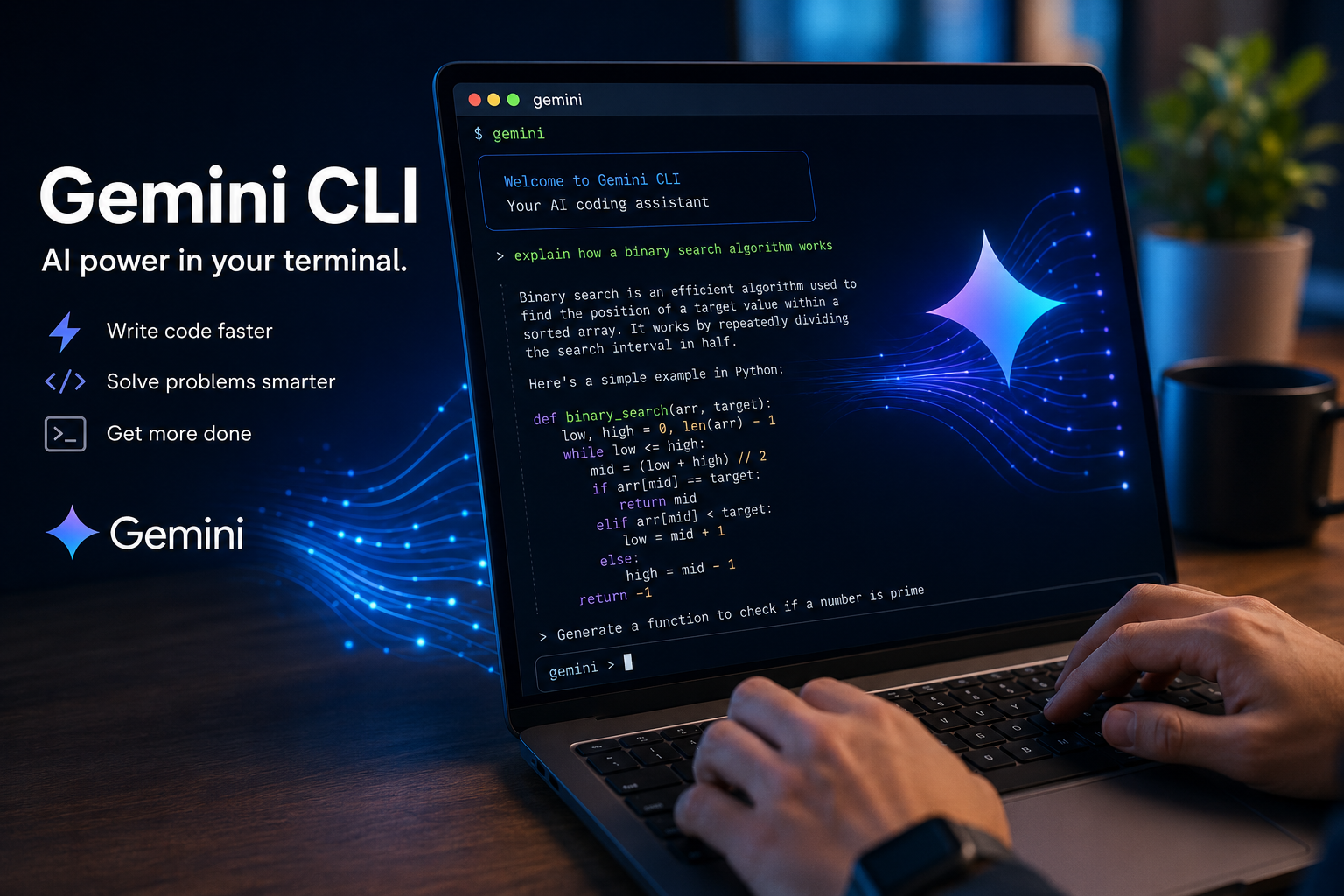
Gemini CLI is an open source terminal-based AI coding assistant from Google that is capable of reading, writing, and editing code, executing shell commands and performing reasoning across a codebase with the power of the Gemini models. The program was once free for all individual developers with a massive context window. The important update to note: Google decommissioned Gemini CLI for free tier and individual users on June 18th 2026 in favor of the Antigravity. CLI so if you’re just starting to investigate then you’ll want to check out each one first.
Why Gemini CLI Matters?
The advent of terminal-based AI agents disrupted the way developers ship code back in 2025-26. Instead of jumping out of a browser window to copy a chunk of text into your working environment. Gemini CLI made it possible to position an AI within your directory, understand your files, and apply edits under your watchful eye. It was a significant change because it eliminated the distance between the request for AI assistance and the execution of work.
Gemini CLI was a key development because of its status as an early. Absolutely free competitor to many products in its space, powered by an entity with robust infrastructure and one of the broadest context windows available to users. For individual developers, learners, and small organizations that can’t accommodate the cost of a paid assistant tool. The software significantly reduced the barrier to experimenting with an agentic process.
However, as any user in this space will readily point out, developments occur at breakneck pace, and Gemini CLI experienced an about-face in mid-2026, as Google incorporated it into a new product family. Knowing who Gemini CLI was, the process that supported its functionality. Its path forward is important for anyone contemplating installation at present.
Gemini CLI at a Glance
| Category | Details |
| Focus | Terminal-native AI agent for reading, writing, and executing code |
| Primary Challenge / Purpose | Bringing agentic AI coding assistance to developers without leaving the command line |
| Best For | Developers, students, and small teams wanting a free or low-cost AI coding agent |
| Estimated Reading Time | 9–11 minutes |
| Key Benefit | Large context window and shell-level automation at little to no cost |
What Is Gemini CLI, Exactly?
Gemini CLI, Google’s open source CLI tool to pair up your terminal session with a Gemini model and have it function as a self-sufficient coding agent. Isn’t trying to be just another question answering service. Instead, it’s designed to read your project’s files, suggest modifications, run shell commands, and tackle multi-step goals with your approval on every step of the process. It has hit the ground running as an honest to goodness open source offering distributed on npm. And the setup is quite similar to the many terminal agent experiences developers are already accustomed to. You initiate the command from within a project, explain your goal, and it will strategize, edit, and run accordingly.
How It Actually Works
Inside, Gemini CLI works by following what’s often known as the reasoning-and-acting loop. The agent will divide up the request into discrete steps. Then choose which tool to run (read a file, edit a file, run a shell command, search the web), execute that tool, evaluate the result and then determine what to do next.
It’s this loop, that is the real difference between an “agent” and a basic chatbot; a chatbot would return text, an agent takes an action, verifies it, and then acts again. This is what makes AI-powered tools for the terminal, interesting not just for hobbyists but for professionals.
Core Features That Defined It
- Extensive context window – Gemini CLI is designed to leverage the wide token context window of Gemini, able to ingest a much larger slice of a codebase into memory than a number of alternatives.
- File read/write/edit tools – direct interaction with your source files in your working directory.
- Shell execution – run build commands, tests, and scripts as a step within a task, complete with confirmation prompts.
- Web search grounding – ground with current info rather than solely what’s in the training data.
- Open-source roots – Gemini CLI source code was open, meaning developers could inspect its behavior and make contributions.
Important 2026 Update: Gemini CLI’s Sunset and the Move to Antigravity CLI
This is the section that anyone who researches Gemini CLI in the latter part of 2026 will need to know first, as it alters some advice below.
At Google’s May 2026 developer event. The company announced that it was consolidating all its terminal agent endeavors into a new, consolidated product named Antigravity. Gemini CLI’s usage by individual users of Google AI Pro, Ultra, and free tiers was officially phased out on June 18th, 2026. But was kept available for enterprise users with appropriate Gemini Code Assist licenses, as well as those with paid API keys.
The purported replacement, Antigravity CLI, preserves much of the core functionality most enjoyed by Gemini CLI users. This includes agent skills, hooks, subagents, and the extension functionality now called plugins. Google was also clear from the onset that Antigravity CLI would not come with 100% feature parity, creating an initial adjustment period for anyone using it to run scripts, CI/CD pipelines or simply forming daily habits.
What This Means for You Right Now
- For the free Gemini plan or personal Google accounts: Direct Gemini commands in the old tool no longer are supported.
- For an organization that has an enterprise Gemini Code Assist license: You may still have direct access to Gemini CLI.
- For those starting out today, we recommend trying out Antigravity CLI as well as any other terminal agents that you are comparing, since it is the actively maintained fork.
- Automation that relies on the old binary, environment variables or config paths, etc., will need to be updated.
7 Reasons Gemini CLI Earned Its Reputation (And What They Mean Today)
Despite that transition, the appeal of the Gemini CLI is instructive. Because it illuminates the current expectations of developers for the type of tool, and it applies in many respects to its successor too.
1. It Opened Up Agentic Coding To Anyone For Free
Before agent terminals took off, powerful AI code completion and assistance tools were typically behind a paywall. Gemini CLI’s free tier let any individual developer have a fully featured agent for free. Expanding access for people who were interested in trying out this kind of development workflow.
2. Its enormous context window chewed through big codebases
Its larger context window allowed it to keep dozens of files in mind at once. If you have experience with big monorepos and legacy codebases with gnarly interdependencies. This is much more important than any benchmark result.
3. Shell access saved us precious minutes
Because the model had direct access to a shell, it didn’t just suggest code. It allowed the bot to execute tests, download dependencies, and then confirm the changes it had just made in the very same session, thereby saving us copy/paste.
4. Open-Source Transparency Built Trust
Open source helped us all understand how it worked, allow people to contribute improvements and not get a “black box” feeling like other closed source agents tend to be.
5. Web Search Grounding Reduced Stale Answers
Coding questions can rely heavily on evolving details, for example: what’s the current state of an API, or the current best way to do something in a framework.
Grounding the results in live web search significantly reduced how often it came up with outdated information with confidence.
6. It was deeply integrated into Google’s existing developer ecosystem
The reasoning engine behind the Gemini CLI also powered agent features in the Google’s IDE extension, making it possible for agents trained on the command line to carry that learning directly into a more integrated workflow within a coding editor. This reduced friction for teams that were already invested in several of the same Google products.
7. It established a floor for a burgeoning market
It wasn’t just Google developers who profited from Gemini CLI; the release put the rest of the agents industry on notice. The command-line tool motivated its competitors to raise their respective game in terms of offering powerful and transparent models in a free tier.
Who Should Still Care About Gemini CLI Today
Enterprise Developers with Existing Licenses
For users already with appropriate Gemini Code Assist licensing, it is possible that Gemini CLI still works for you, and its original design directly applies to your daily work.
Teams evaluating terminal agents generally
While you can no longer install the original, standalone-tiers of Gemini CLI, researching how Gemini CLI used reasoning loops, confirmation of tools, and management of context is still the perfect groundwork for evaluating Antigravity CLI and competitors in the space.
Anybody interested in the history of AI coding tools
The original Gemini CLI took real steps in making a Free and Open Source AI Agent in the terminal mainstream. A knowledge of how it was designed directly translates into why today’s agents look and behave as they do.
Common Mistakes to Avoid
- Relying on free tier access, still works without checks.
Note that Individual and free tier access sun setted in June 2026, check your account type if using the old tool.
- Running an agent with wide-ranging permissions over a sensitive repo.
Double-check the shell commands suggested by the agent before approving.
- Forgoing version checking.
Model versions and capabilities were changing rapidly throughout 2025 and 2026, so don’t rely on old tutorials or reviews without confirming their current behavior.
- Trusting AI-generated output outright.
Read diffs closely and test changes, especially if dealing with anything going into production.
- Ignoring the migration path.
If your CI pipelines or scripts relied on the old tool, schedule the transition instead of noticing breakage unexpectedly.
- Forgetting the enterprise exception.
Certain enterprises were exempt from the deprecation; don’t assume your license isn’t grandfathered without confirming.
Key Takeaways
- Gemini CLI was an open-source Google CLI-based AI coding agent with a large context window and direct file and shell access.
- The agent cycled through reasoning and action loops to make decisions, plan, execute, and refine across multi-step coding problems.
- The open-source model and free tier allowed a much larger group of developers access to the world of agentic AI coding.
- Starting June 18, 2026, Gemini CLI has been discontinued by Google for individual users and free tier plans in favor of a successor named Antigravity CLI.
- Existing enterprise customers who meet specific license requirements generally had access extended to Gemini CLI.
- The Antigravity CLI retains the agent’s skills, hooks, subagents, and a modified plugin interface.
- If starting today with a new workflow, always check current product availability with Google directly.
Conclusion
Gemini CLI carved a spot for itself in the AI-coding discussion by making agentic, terminal-based development truly available. And armed with a context window capable of ingesting large codebases with lower overhead than many alternatives. The story of Gemini CLI in 2026 is thus largely the story of the rapid progress of its entire category. An application that reset developer expectations within a year of launch now itself retired in favor of an overhauled redesign. No matter if you’re contemplating Gemini CLI’s impact on the history of developer productivity, verifying your company’s access, or getting ready to use Antigravity CLI instead. A clear view of how Gemini CLI functioned provides an excellent starting point for your decision.
Frequently Asked Questions
Did Gemini CLI go away?
The answer is yes for individuals and those on the free, Google AI Pro and Ultra tiers starting on June 18, 2026. Enterprise customers using eligible Gemini Code Assist licenses, as well as many API key-based plans, still had access.
What took the place of Gemini CLI?
The successor was Google’s Antigravity CLI which is part of the overall Antigravity platform, including a desktop app, SDK and IDE integration.
Was Gemini CLI ever free?
Yes, individuals and a variety of small businesses and researchers could use it at no cost before the June 2026 cutoff. Daily and per-minute usage limits were applicable to the free tier and paid plans.
What made Gemini CLI different from a basic chatbot?
Unlike most chatbots which take in text and spit back text, Gemini CLI functioned as an agent. That means it was designed to perform actions-read and edit files, execute commands, perform a sequence of operations. And even complete entire projects with your approval-instead of just providing text responses.
Does the Antigravity CLI have the same features as the Gemini CLI?
Google did not claim parity on launch. However, core ideas such as agent skills, hooks, subagents, an extensions system that is now called plugins all carried over.
Should a new developer still learn the Gemini CLI workflow in 2026?
Understanding how an agent thinks, plans, and acts, or how it works on an agent framework such as that embodied by Gemini CLI. And now Antigravity, is transferable to just about every current AI terminal coder.