


The “right” AI coding assistant actually changes depending on where you work. Cursor wins big if your workflow is centered around the editor and editing multiple files. While Claude Code is the clear best for a command-line workflow and massive codebases due to its increased context window. And for many beginners and enterprise organizations already integrated into GitHub, Copilot is clearly still the simplest get-started experience. There’s really no “best.” Just the best for the workflow that makes sense for your code, your budget and where you develop.
Why Choosing an AI Coding Assistant Matters
Software teams are done with the “if” of AI coding tools; now it’s the “which one, and how many.” While earlier suggestions looked like text autocomplete, current assistants have become autonomous coding agents that can plan out multi-step projects, refactor dozens of files at once, run tests and self-correcting.
With this greater scope comes a bigger cost to making the wrong choice. While an assistant might be killer with small, standalone scripts. It may not succeed when it has to reason over a 500,000-line monorepo. A tool designed for a single developer could be useless for an enterprise security team needing data governance and compliance. And given most products charge per use or seat, getting the right fit isn’t just about convenience, it’s a monthly expense.
Therefore, “getting the decision right” involves looking past the headline on any benchmark, and to understand which tool matches with how your team actually ship code.
Best AI Coding Assistant at a Glance
| Category | Details |
| Focus | Comparing leading AI coding assistants for individual developers and engineering teams |
| Primary Challenge | Matching tool capabilities (context window, agent autonomy, IDE integration) to real workflows |
| Best For | Developers, engineering managers, and CTOs evaluating AI-assisted development tools |
| Reading Time | 9–11 minutes |
| Key Benefit | A clear, workflow-based framework for choosing the right assistant instead of chasing benchmark headlines |
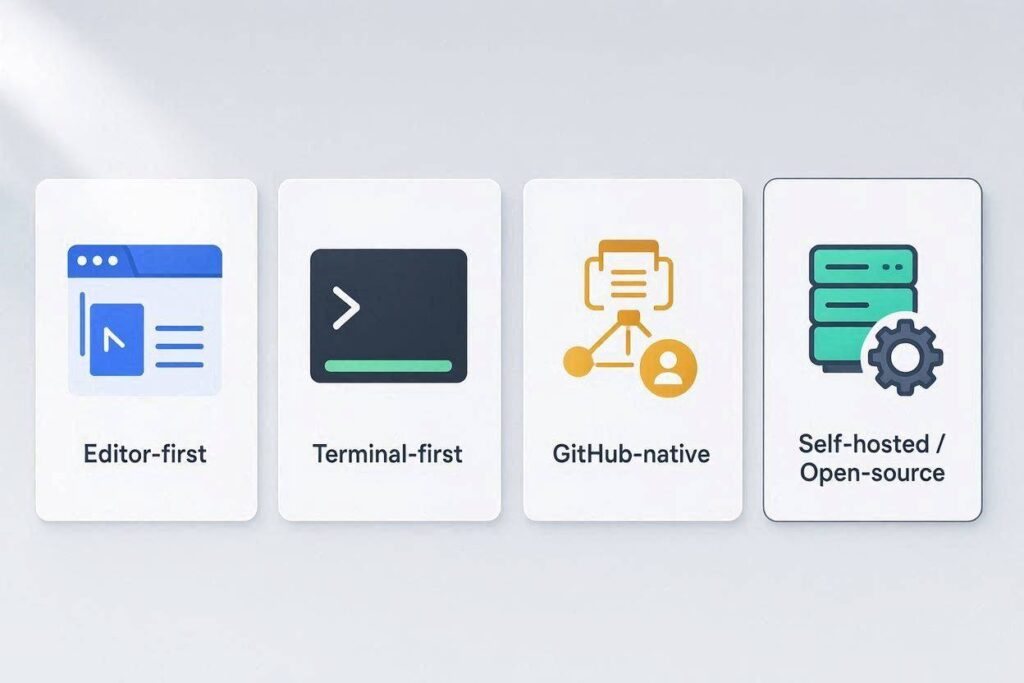
How the AI Coding Assistant Landscape Has Changed
While just one or two years ago the category seemed like one defined as GitHub Copilot vs a few editor plugins, today it has stratified into:
- AI-native editors. These are full-on forks of established IDEs (like Cursor) that have AI fundamentally ingrained in the code editing experience.
- Terminal-first autonomous agents. Claude Code works directly inside your shell, can read into entire repositories and execute complex multi-step coding tasks without any assistance.
- Embedded copilots. These work alongside your current editors (like Copilot in VS Code, or Codeium in JetBrains) instead of substituting them.
- OSS and self-hosted solutions. An example is Continue and Aider, allowing organizations to set up custom models and manage their code with private data.
Over at coverage in the industry in 2026, they always put it this way – decide on based on where you spend most your day. Then make sure to validate your winners on a repository that you’re actually shipping – not against a tiny demo.
The Leading AI Coding Assistants, Compared
1.Cursor – Best for editor-first development
Since Cursor is a VS Code fork, it comes with your existing VS Code extensions, keybindings, and preferences with a small hurdle. This will simplify migrations for devs who are stuck in VS Code and crave the ability to sprinkle AI into their day-inline code completion, chat interactions, and multi-file refactoring-within this workspace.
This type of tool is best for teams that value code efficiency, prefer native IDE tooling. Or rely heavily on multiple file edits and project overhauls for routine updates and renovations.
2.Claude Code: Best for Command-line & Large Projects
Claude Code functions from the command line instead of in your coding window. This appeals to those who favor working with their Shell first. Due to the extended context window you could use this to work on code repositories with multiple files at once instead of file by file.
This is important because your job has to comprehend multiple module interactions.
Furthermore, there is a popular debate, using agents and Claude code, on coding standards as performance reviews of it show that there were favorable results. Including the results from Swe-bench Verified. Where researchers see if AI’s perform tasks from Github the same way you would if you did the code yourself.
Great for Engineers doing end-to-end code reviews, big updates to their current systems, API Design, and projects who need to cover files without the requirement of the most fast autocomplete.
3. GitHub Copilot-Best for Beginners and GitHub-Native Teams
There aren’t many people today who haven’t heard of Copilot, and it’s no surprise it’s on our list. Copilot benefits greatly from the tight integration it enjoys into VS Code, as well as into the other GitHub ecosystem. When available through its free offer, a specific number of completions and chat and agent requests are offered each month. Which makes it more approachable for anyone who’s a tad reluctant to pay for assistance.
Copilot also can provide security benefits and standards that could make the transition into AI-coding assistance worthwhile for some enterprises. While staying in the same environment of an editor they’re comfortable using.
Windsurf, Cline, and Codex – the Fast-Moving Middle Ground
New entrants like Windsurf and Cline are gaining some serious traction through the interplay of agentic autonomy and more deeply integrated IDE use. And Codex has become a staple for any teams embedded in the OpenAI ecosystem. These tools have jumped up the conversation on the same footing as Cursor and Claude Code. As genuine competitors, not complements.
Best for: Teams actively trying to establish the practice of agentic work, seeking ultimate freedom in editors and models.
Sourcegraph Cody – Best for Massive, Search-Heavy Codebases
Sourcegraph founded Sourcegraph, and its DNA is clearly in this product, especially compared to other best-in-class options. Cody shines where it needs to connect thedots across an extremely large repository, opting for code-graph tech over brute force context window usage.
What’s the bottom line? It’s probably for the team using an enterprise-scale monorepo that needs not just the best context window for generation but one that integrates tightly with inter-repo searching and dependency mapping.
Continue and Aider – Ideal for Open-Source and Privacy-First Settings
Continue and Aider draw the eyes of teams considering bringing their own model. And thus it integrates with self-hosted or local models, to avoid relying on a single supplier of code. This comes up with companies that have strict requirements related to data residency and compliance which do not permit moving sensitive code into a provider’s solution, i.e. API.
Ideal for: privacy minded team, regulated companies, developers seeking full visibility, and avoid relying on a vendor locked, if applicable.
Tabnine – Best for regulated enterprise teams
Tabnine has found its strength with enterprise organizations looking for predictable security compliance and a self-hosted solution. Which it uses frequently to target companies in finance, healthcare and insurance, which he describes as being “under a lot of regulatory constraints.”
Best for: Organizations seeking to maintain strict data governance by strictly preventing their code to reach remote servers/public APIs in the cloud.
Common Mistakes to Avoid When Choosing an AI Coding Assistant
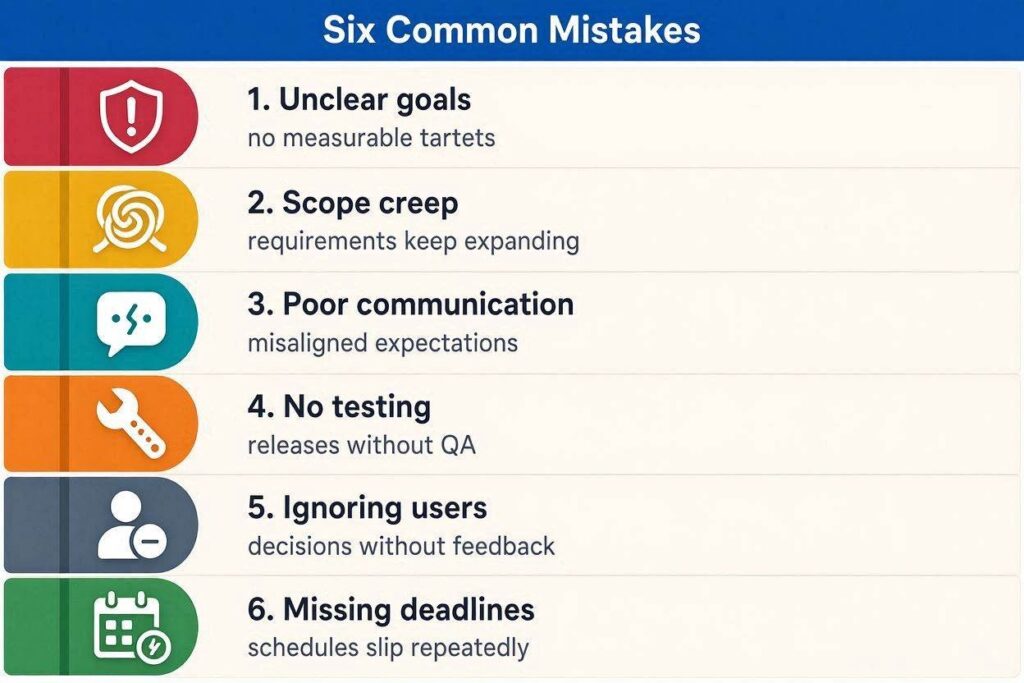
- Preferring benchmark scores to workflow compatibility . A coding tool excelling on a benchmark may not fit seamlessly with how your team already develops. Not reading data usage and privacy .
- Without opt-in/out agreements, a lot of tools may use code you submit to optimize the model powering them- this can be a bit spooky for proprietary source code.
- Ramping up with too many new tools . Using several different AI assistants to churn on the same code can create confusing conflicts: many skilled development teams select one main tool and stick with it.
- Underestimating the review burden – All current AI code-writing agents require human review at present, and none can produce code that doesn’t include potential security flaws or logical / design smell improvements from any current generation of agents.
- Not accounting for cost-effectiveness – As agents move toward being billed by their usage, inefficient or failed agent runs translate directly to dollars lost, meaning token efficiency becomes a much more direct cost than an abstraction .
- Not actually testing – Picking two promising tools from the marketing demo pool and actually running both on a real repository. That will actually ship is a very strong differentiator for getting actual value from a coding AI agent.
Key Takeaways
- There is no ‘most’ productive way, so the correct way to leverage coding AIs will likely stem from one of these workflows-editor-first, terminal-first, native, and self-hosted.
- Best AI for the editor-first workflow: The ‘best’ candidate is for anyone that wants the benefits of AI built into a traditional editing environment and multi-file capabilities.
- Best for terminal-first developers: These developers should gravitate towards code-aware models or LLM capable of single pass repository understands of multiple files within the database.
- Our best all-around bet: In the short-term it appears most developers new to coding or to AIs will want to explore GitHub’s option due to it being the lowest hanging fruit.
- Newer agentic tools like Windsurf, Cline, and Codex are getting considered as serious leaders, not just sideshows to Copilot.
- Sourcegraph Cody looks like it’s made for large search heavy monorepos, while Continue and Aider look made for open source privacy focused codebases.
- Human eyeballs are still necessary – all of today’s coding tools still requires developers to think deeply about quality and security.
- Economics and token limits/prices are moving from background concerns to first class citizens with usages based pricing models.
Conclusion
The 2026 AI coding assistant landscape punishes fluff. Don’t start with the question, “What is the best tool” and instead ask instead “what is the right tool for how our current team already operates.” Some may go with Cursor if we’re editor-first, some might rely on Claude code if we write much larger codebases. And live in the terminal, and we know teams working heavily on GitHub probably will keep our Copilots plugged in if at all possible. No matter which direction you’re pulling, the ultimate proof of effectiveness isn’t a single benchmark. But an experiment against actual code in your existing codebase that your team ships.
Frequently Asked Questions
1. What’s the best overall AI coding assistant?
There’s no clear overall winner. Cursor is often seen as best for editor-first, multi-file work. Claude Code is preferred for terminal-first workflows with massive code bases; GitHub Copilot is often easiest for those just getting started or in the GitHub ecosystem.2.
2. Is GitHub Copilot worth it in 2026?
Yes-Copilot is still a popular, high-quality AI coding assistant. Its seamless integration into the VS Code editor and GitHub make it a solid option for developers looking to get started with AI code assistance or those who live within the GitHub ecosystem.
3. Just how much quicker do AI coding generate progress?
Genuine environment increases differ across task varieties. Regular tasks like CRUD and boilerplate usually experience substantial gains, while complex structural work has actually comparatively more subtle increases.
Team and code base individual efficiency varies tremendously.
4. Are AI Code assistants secure for companies?
Some services, consisting of GitHub Copilot as well as Tabnine, have actually committed enterprise plans with main security conformity. Still, groups should closely scrutinize their information policies, as many tools count on entered code in order to make the designs far better, unless manually avoided by a customer.
5. Do AI coding assistants replace the need for code reviews?
No, all current AI coding tools will have to be human reviewed, there may be logic flaws, security flaws and bad patterns within an assistants output, no matter how clever it is.
6. Is an AI native editor different from an embedded Copilot?
An AI native editor is essentially a complete IDE which has been built around the concept of editing with AI ( Cursor is often a forked version of an existing editor). An embedded Copilot (like GitHub copilot) is simply a plugin for your existing IDE that adds coding assistance to the environment you already use.
7. Should my team use multiple AI coding assistants simultaneously?
Experienced teams generally suggest sticking to one main AI coding assistant, this will help prevent conflicting recommendations from multiple tools simultaneously on a single codebase.