

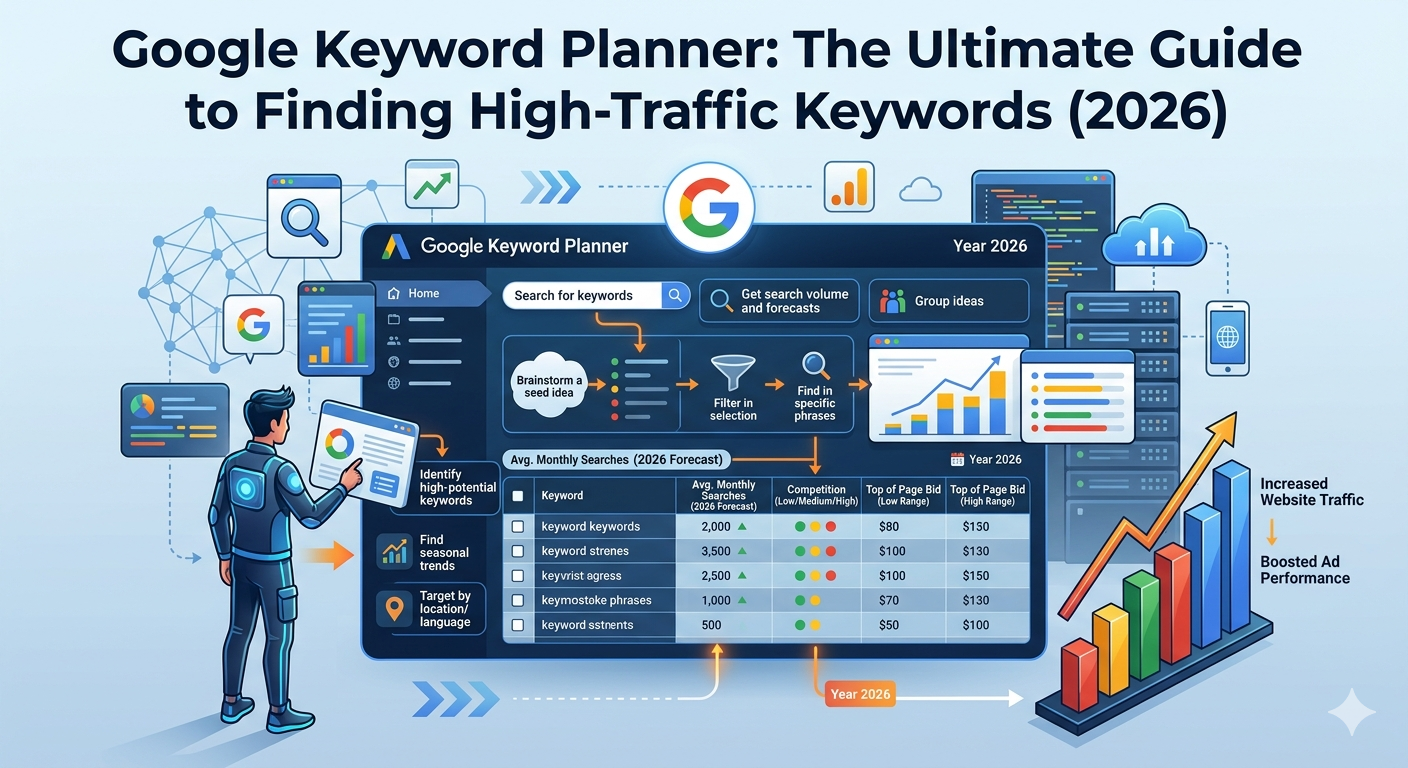
The success of digital marketing campaigns depends on keyword selection because keywords define the essential requirements needed to reach business objectives. Your ability to choose suitable keywords directly affects the success of your advertisement campaigns and search engine optimization work. The most effective free marketing tool available today is Google Keyword Planner. The primary function of the tool serves advertisers but bloggers and content creators use it as their main resource for developing SEO content.
The guide provides complete details about all Google Keyword Planner capabilities which include its operational functions and methods to discover profitable keywords for your 2026 needs.
What is Google Keyword Planner?
Google offers Google Keyword Planner as a no-cost tool through its advertising platform. The program enables users to explore keyword options while they acquire knowledge about search volume measurement and competition assessment. After its initial development for Google Ads campaigns the tool has evolved to meet the research requirements of SEO professionals.
The tool provides you with the ability to:
- Discover additional keyword concepts
- Investigate the total monthly search frequency
- Evaluate how difficult it is to rank for specific keywords
- Determine the cost per click (CPC) value
Why Google Keyword Planner is Important for SEO
The Google Keyword Planner functions as an advertising tool which provides SEO specialists with access to actual Google search result data. The existing third-party tools depend on theoretical data while this tool uses real search data which makes it a more credible option.
The following demonstrates its significance:
1. Accurate Data
The tool delivers search volume data together with trend data which results in accurate information output.
2. Keyword Discovery
You can find hundreds of related keywords from a single search term.
3. Competition Analysis
The system enables you to discover keywords which demonstrate low competition making them easier to achieve higher search engine rankings.
4. Cost Insights
The CPC data allows you to evaluate the business value of various keywords.
How to Use Google Keyword Planner (Step-by-Step)
The Google Keyword Planner interface is designed to help beginners who want to learn its functions through its easy-to-use system. The process consists of these steps:
Step 1: Create a Google Ads Account
To access the tool, you need a Google Ads account. The tool can be used without the need to run any advertisements.
Step 2: Open Keyword Planner
Access Google Ads and locate the “Tools & Settings” section in order to choose “Keyword Planner”.
Step 3: Choose an Option
The system presents you with two key alternatives:
- Discover new keywords
- Get search volume and forecasts
Select the “Discover new keywords” option in order to begin your keyword research.
Step 4: Enter Your Keyword
Type a keyword related to your niche (e.g., “digital marketing” or “home improvement”).
Step 5: Analyze Results
The tool will show, The program provides:
- Keyword ideas
- Monthly search volume
- Competition level
- CPC (cost per click)
Step 6: Select the Best Keywords
Look for keywords with:
- High search volume
- Low to medium competition
- Relevant intent
Tips to Find High-Traffic Keywords
To achieve optimal results with Google Keyword Planner experts recommend these following tips:
1. Use Long-Tail Keywords
Long-tail keywords (e.g., “best SEO tools for beginners”) have lower competition and higher conversion rates.
2. Focus on Search Intent
Select keywords which correspond to the actual information requirements of users who seek knowledge about specific subjects or products or services.
3. Check Trends
Select keywords which demonstrate either consistent search patterns or increasing search activity, while avoiding those with decreasing interest.
4. Analyze Competitors
Use Google to search your keywords and analyze which competitors achieve the highest search engine rankings for those terms.
5. Combine with Other Tools
Use Google Trends and SEO platforms as additional tools which enhance your strategic planning process.
Common Mistakes to Avoid
Many beginners misuse Google Keyword Planner. The following mistakes should be avoided:
- Beginners tend to overlook long-tail keywords
- People tend to search for high search volume keywords
- People forget to analyze user search intent
- Users frequently select keywords which have high levels of competition
- Users depend exclusively on one single tool for their needs
- Google Keyword Planner for Bloggers
The tool helps bloggers find new blog topics while it assists them in improving SEO and boosting their organic website traffic.
The term “home workout for beginners” helps you achieve better results through specific keyword targeting instead of using the broad term “fitness”.
Conclusion
Google Keyword Planner remains one of the best free tools for keyword research in 2026. The tool provides essential data which allows SEO experts and bloggers and digital marketers to improve their website traffic while building their online presence.
The solution provides effective keyword management which enables users to achieve actual results through long-tail keyword implementation and competitor analysis and user intent optimization.