

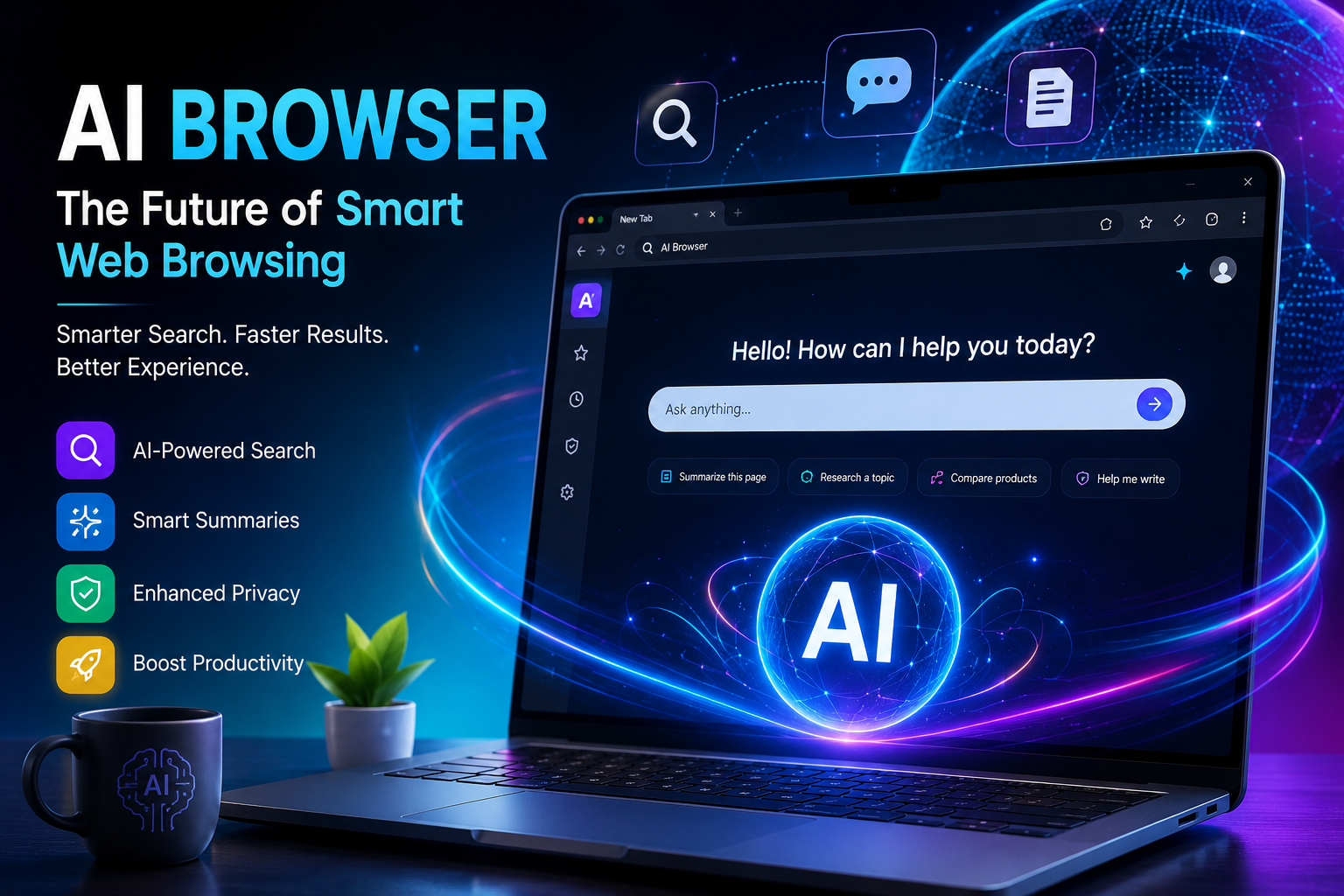
For almost 30 years, the browser did one job: show you web pages so you could click around. You searched, you scrolled, you read, you decided. The browser was a window, never an active participant in your work.
That is changing. A new breed of “AI browsers” is transforming the browser into an assistant that reads, reasons, summarizes, and can even act on your behalf. Instead of opening ten tabs to comparison shop flight prices, you type one command, and you get an answer. Instead of scanning 40-page reports for key insights, you ask what you need, and you have it in seconds. This isn’t just an added feature; it’s a reimagining of what a browser does.
It fundamentally rewires the entire experience of how we interact with the web. Traditional browsers are built around this loop: type query, look at blue links, click, read, go back, repeat. It’s easy to see how that makes sense when the web was a more orderly place with Search as the only organized way to navigate it. Now, the web is huge, fragmented and hostile. Stuffed with SEO-optimized articles, ad content, and AI-generated fake news designed to generate engagement rather than inform.
The AI browser is designed around the following loop: ask question, get synthesized answer, clarify/refine, act/execute if necessary. The transition is from “finding” information to “getting” information.
Here are 7 compelling reasons why this transition is a big deal. And why this is a watershed moment in internet use.
1. It Understands Context, Not Just Keywords
Traditional searching is based on search boxes and keywords. You input keywords or a sentence and then receive links back to sort out for yourself. An AI browser reverses this. You can ask it to “read” a single webpage, or even several webpages, and it can answer a plain-language query for you.
Instead of searching “best noise cancelling headphones under $200 site:reddit.com. ” you would ask, “Which noise-cancelling headphones under $200 do real owners actually recommend?”. The AI browser can review user-generated reviews, forums, and product comparisons and present you with an answer that is a combination of them. It’s so obvious because search engines have never actually answered questions that way before. The search box and keywords are simply the system we’ve been given, and everyone has wanted to be able to simply input. What it is that they want and get an actual answer to come back.
2. It Saves Enormous Amounts of Time
Most of us waste an hour of our days browsing. It’s a process of toggling between pages, skimming articles and piecing together disparate pieces of data to construct an answer. But a browser powered by AI streamlines the process into a single question.
Instead of a twenty-minute research process that involves clicking from one tab to the next, now it takes one query to arrive at the answer.
And for some professions-those whose work involves researching, comparison shopping, or verifying facts on the fly-hours every week could be liberated by the tool. A trip to the beach might involve a page with the best flights, another with a guide to beachfront hotels. Similarly another with a map of the town, another to verify the average temperature in August. And also, another for currency conversion-and you’d need to absorb a piece of information on each page before visiting the next to compare. With an AI browser, all the key pieces can be extracted from their different sources and delivered to you as one whole. Which allows you to focus on comparing those choices, not extracting information. If you multiply that saved time across shopping, looking for jobs, research, or comparison shopping for insurance plans, the savings for an average week really add up.
3. It Can Read and Summarize Long Content Instantly
The curse of long-form content long documents, research papers dense articles, service pages. The browser could chew through all this content for you and spit back a concise summary. The main takeaways or the answer to a specific question about the material without you reading a single sentence of it.
The trickiest part here is that for many use cases the info you need in these documents is already obscured by a large amount of chaff, think terms of service. And rental agreements (none of us read those even though we sign off on them all the time!). Research papers (you probably just need the conclusion and the method). Or even news articles (just the headlines and the fact of the event will do for you!).
Look at a lease agreement or the page of software terms of service which literally no one has ever read through in its entirety before clicking through, even though we accept them literally all the time. You can let the browser AI read the terms and highlight which of them would matter to you. Like, cancellation penalties, automatic renewal terms, data sharing agreements. And can apply the same principle to a scholarly paper if a scientist only wants to get at the conclusion or the method. But not wade through a hundred pages of literature review.
Also You can do the same to a news story if you just want to get at the facts, without all the descriptive writing surrounding them. The browser is, in essence, the tool to filter signal from filler.
4. It Can Take Action, Not Just Retrieve Information
Perhaps the most transformative changes AI browsers are undergoing. However, are when they begin to serve as agents as opposed to simple search engines. Some are capable of completing web forms, comparing prices across numerous retailer pages, or completing a multi-step workflow. Like making a booking-with little assistance from the human user. That’s a profound transformation from the browser being a tool that the user operates to something that more resembles an assistant that operates the web at your behest. Executing your instructions rather than demanding that you manually click every page.
This agentic browsing is still developing, and of course there are trade-offs to it.
Allowing software to fill out forms or complete purchases in your name raises valid concerns about correctness, reliability and control (you definitely don’t want an agent booking the wrong flight date). And indeed, current AI browsers still generally keep humans in the loop for any action. It involves money or something irreversible, like submitting a form or confirming an order. Yet even in its current, less adventurous form, the fundamental changes are significant. The browser is now showing you how to move across the web, not simply presenting you with it.
5. It Personalizes Without Requiring Manual Setup
Older personalized browsers used things like cookies, remembered settings and manually edited configuration profiles. An AI-enabled browser remembers the conversation history and uses the previous turns to tailor the results without you having to access the browser settings. So, you can carry out more in-depth research or planning and have a much more fluid and natural-sounding experience.
If, for example, you search for family hotels and then query. “Which ones are close to downtown”, it should know you’re still talking about hotels that were suggested before, without you needing to reiterate it. The conversational history of an AI browser supports natural thought process during decision-making. Where you move sequentially through stages building upon previous knowledge rather than initiating a search for each piece of information independently.
6. It Helps Cut Through Misinformation and Noise
The modern internet is bursting with SEO articles, articles designed as advertising, and sites ranked by Google for placement, not accuracy. A browser powered by an AI has the potential to cut through the crap, synthesize data from several sources. And provide a slightly less one-sided take than whomever best knew how to play the ranking game.
It’ll take a little work on your end, yes. But the burden to look up the exact same fact on five different websites and hope they match has been dramatically decreased. That said, AI can only be as accurate as its sources are. And AI can easily fall victim to inherent bias and inaccuracy from its source material. However, reducing a few steps in the search process for human observation is a meaningful improvement in how many of us interact with the internet.
7. It’s Reshaping What “Browsing” Even Means
Perhaps the biggest change, though, is the conceptual one. Before, surfing meant exploring. Clicking from page to page, in search of something… hoping you’d land somewhere useful.
In an AI browser, exploring is a lower priority than asking.
The browser turns into less of a card catalog, and more of a helpful and intelligent someone leaning in to help. This doesn’t eliminate manually browsing entirely – you’ll still want to click to your favorite websites on your own – but for a surprising number of everyday uses, AI is proving to be faster, simpler, and more human.
AI Browser vs. Traditional Browser: A Quick Comparison
| Traditional Browser | AI Browser | |
| Core interaction | Type keywords, click links | Ask questions in plain language |
| Output | List of pages to read yourself | Synthesized answer, with sources |
| Long documents | You read and extract manually | Summarized and queried instantly |
| Multi-step tasks | Manual tab-switching | Context carried across follow-ups |
| Repetitive actions (forms, bookings) | Fully manual | Can be automated, with confirmation |
| Filtering low-quality content | Left to the user | Cross-referenced automatically |
This table’s aim is not to imply the death of human browsing (which can, after all, be pleasurable, allowing you to see a page yourself, appreciate its layout visually or simply surf without an underlying purpose). But it effectively demonstrates that for a purpose-oriented task-research, comparison shopping, reviewing a document. The AI browsing model, inevitably, chops off steps.
Frequently Asked Questions
1. Is an AI browser simply a search engine with AI added onto it?
No. While a search-engine AI summary is typically contained within the results page. An AI browser actually navigates the full pages you access, cross-reference between multiple sources, retains conversational context across the course of a session, and can perform actions, such as auto filling forms. Like an assistant rather than an improved search result page.
2. Do AI browsers remove the need for me to fact-check my information?
No. AI browsers are not infallible, and just as they can make incorrect assumptions about the content they digest, they also reflect errors found in sources. While the technology makes the task simpler, information that can affect significant choices (financial, medical, or legal) should still be confirmed with the primary source material.
3. Will an AI browser use up more of my data than a normal browser and therefore threaten my privacy?
That totally depends on the specific AI browser and how that company manages its users’ browsing history and data. It’s a good idea to review the privacy policies for each of the AI browsers you’re considering using as practices are very diverse.
4. Do AI browsers function with any website?
Most AI browsers will have no trouble pulling, interpreting and summarizing most standard web page contents. If the web page, however, is very interactive or is behind a sign-in wall, or requires significant parsing to load the proper content for an AI browser can take longer to perform its job or might even not be able to.
The Bottom Line
AI browsers are more than a flashy add-on; they are a whole new way of interacting with information on the internet. They will evolve into more than just a window to the web. But an assistant that can help you do something with all of that information. It can help you take actions, summarize information, save you time, de-clutter your search, and can turn browsing into something useful.